
This guide breaks down what Vega OS actually is, which current Fire TV Stick models still let you sideload apps, and what to do if the model you own (or want to buy) is one of the ones that doesn’t. If you already know your stick runs Fire OS and just want the install steps, our how to jailbreak a Firestick guide covers that part.
Amazon’s Vega OS is now shipping on new Fire TV Stick models, and it removes sideloading completely: no Downloader app, no Developer Options toggle, and no way to install anything outside the Amazon Appstore.
Whether your Fire TV Stick still supports sideloading depends entirely on which model you own (or are about to buy) and whether it runs Fire OS or Vega OS.
Last checked October 2026: this list includes the 3rd-gen Fire TV Stick 4K that Amazon announced on September 30. If Downloader is not working on your stick, see our Downloader troubleshooting section.
What Is Vega OS?
Vega OS is Amazon’s own operating system for Fire TV hardware, built on Linux instead of Android. Every Fire TV Stick before it, going all the way back to the original 2014 model, ran Fire OS, Amazon’s heavily customized version of Android. Vega OS throws that foundation out entirely. It’s a different platform from the ground up, and the part that matters most for sideloaders is that Vega OS doesn’t carry over the Android compatibility that made sideloading possible in the first place.
In practice, that means a Vega OS device can only install apps from the Amazon Appstore. There’s no Developer Options menu with an “install unknown apps” toggle, no Downloader app, and nothing like the process our Jailbreak Firestick guide walks through for Fire OS devices.
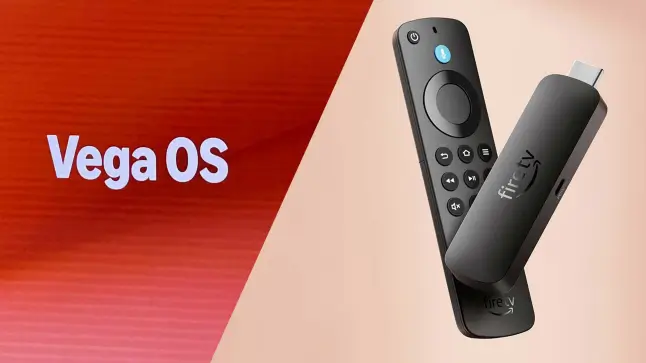
Vega OS Timeline: How Did We Get Here?
- 2025: Amazon launches the Fire TV Stick 4K Select, the first Fire TV Stick to ship with Vega OS instead of Fire OS.
- 2026: Amazon releases a second-generation Fire TV Stick HD running Vega OS, expanding the lineup beyond the 4K Select.
- 2026: Amazon confirms publicly that starting with the Fire TV Stick 4K Select, all future Fire TV Sticks will run on Vega OS, making clear this isn’t a one-off experiment.
- 2026: Amazon announces a 3rd-gen Fire TV Stick 4K on Vega OS that replaces the 4K Select and the 4K Plus, leaving the 4K Max as the only Android-based stick.
How Does Vega OS Block Sideloading?
On a Fire OS device, sideloading works because the stick is still Android under the hood. Seven taps on the build number unlocks Developer Options, a toggle turns on “install unknown apps” for the Downloader app, and from there you can install any Android APK. Vega OS removes the Android layer that whole process depends on, so there’s no equivalent toggle to find. The Amazon Appstore is the only app source, full stop.
There is a workaround, technically.
You can register a free Amazon Developer account, register your Vega OS device as a developer device, and use Amazon’s own developer tools over a USB cable to push an app onto the stick. In practice, this isn’t a real substitute for sideloading. It requires a computer, Amazon’s developer tools, and an app actually built for Vega OS rather than a standard Android APK.
Amazon’s own developer documentation says Developer Mode only sideloads packages built for Vega OS. AFTVnews tested the process on a Fire TV Stick 4K Select and found that sideloaded apps showed a generic gray icon until an icon was set in the app, and that the apps it built eventually stopped launching, which may be a bug. If you’re buying a Fire TV Stick specifically to sideload streaming apps or Kodi, don’t count on this method working.
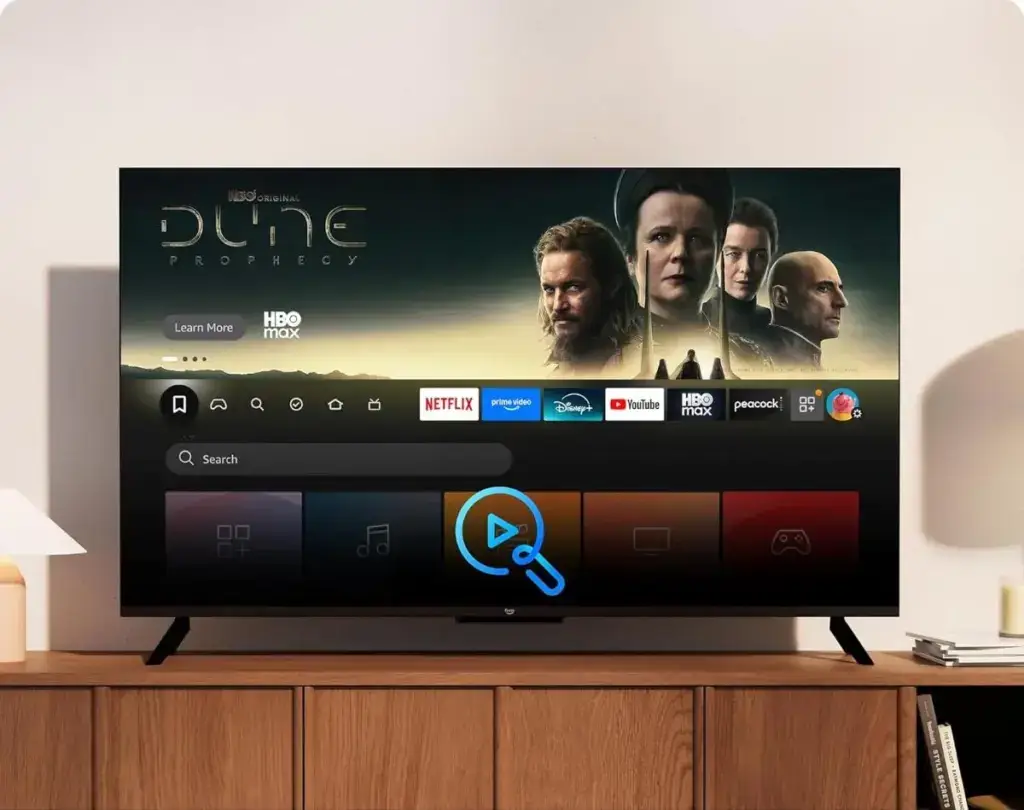
Why Did Amazon Kill Sideloading on Fire TV Sticks?
Amazon describes Vega OS as an operating system built for media streamers, with a focus on responsiveness and a small footprint. It also calls itself a multi-OS company and says it will keep making devices that run Fire OS.
Vega OS locks the platform down to the Amazon Appstore only. Whatever the reason, the practical result is the same: a Fire TV Stick running Vega OS can’t be used to sideload anything, for any reason, legitimate or otherwise.
Which Fire TV Sticks Still Support Sideloading? (Full Device List)
Here’s every current Fire TV Stick and Cube model, and whether it still runs Fire OS or has moved to Vega OS.
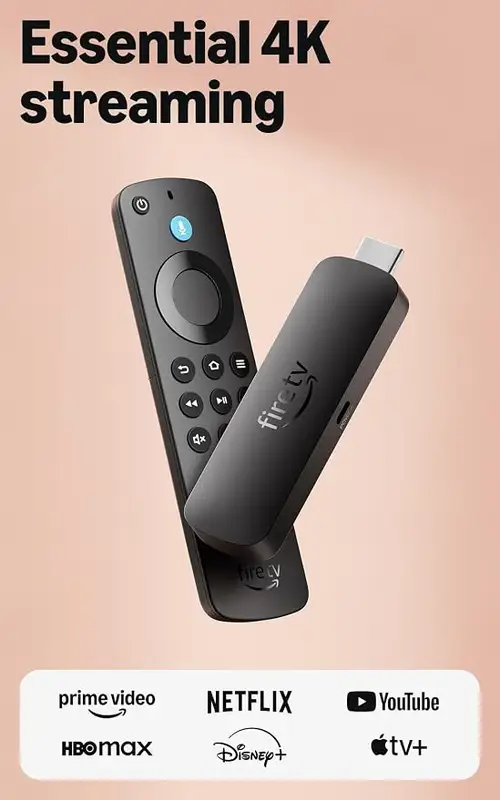
| Device | Operating System | Sideloading? |
|---|---|---|
| Fire TV Stick 4K Max | Fire OS | Yes |
| Fire TV Stick 4K Plus | Fire OS | Yes, while stock lasts |
| Fire TV Stick 4K (original) | Fire OS | Yes |
| Fire TV Stick HD (2024, 1st gen) | Fire OS | Yes, while stock lasts |
| Fire TV Cube (3rd gen and newer) | Fire OS | Yes |
| Smart TVs with Fire TV built in | Fire OS | Yes |
| Fire TV Stick 4K Select | Vega OS | No |
| Fire TV Stick 4K (3rd gen, 2026) | Vega OS | No |
| Fire TV Stick HD (2026, 2nd gen) | Vega OS | No |
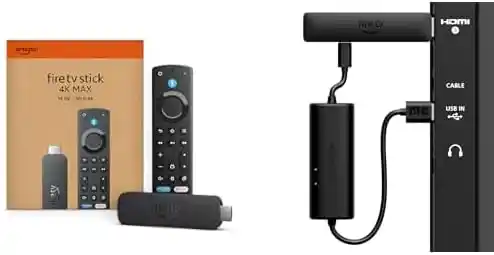
The Fire TV Stick 4K Max is now the only Android-based Fire OS stick Amazon still makes, and it’s the one to buy if sideloading matters to you. Smart TVs with Fire TV built in and the Fire TV Cube haven’t moved to Vega OS as of this writing, but Amazon has been clear that new Fire TV Sticks going forward will. If you already own a Vega OS stick and Downloader will not install, our Downloader troubleshooting section explains why.
Buy your 4K Max firestick which still supports sideloading here:
[amazon box=”B0BP9SNVH9″]
How to Check Which OS Your Fire TV Stick Is Running
If you already own a Fire TV Stick and aren’t sure whether it’s on Fire OS or Vega OS, you can check in under a minute:
- Go to Settings
- Select My Fire TV (some older models show this as Device)
- Select About
- Look at the software or build version number listed there
On a Vega OS stick the software line says OS. On a Fire OS stick it says Fire OS, and sideloading is available through the normal process in our Jailbreak Firestick guide.
The two Fire TV Stick HD models look alike but run different systems, so check the box and the stick:
| What to check | 2024 Fire TV Stick HD (Fire OS) | 2026 Fire TV Stick HD (Vega OS) |
|---|---|---|
| Wi-Fi on the box | Wi-Fi 5 | Wi-Fi 6 |
| Corners of the stick | Squared | Rounded |
| Text on the stick | No “Fire TV” text | “Fire TV” printed on it |
What Should You Do About Vega OS?
Already Own a Fire TV Stick? Here’s What Changes
If you already own a Fire OS Fire TV Stick, nothing changes for you right now. Amazon hasn’t announced any plan to push existing Fire OS devices onto Vega OS through a software update.
If your stick sideloads today, it should keep sideloading for the life of the device.
Buying a New Fire TV Stick in 2026? Which Model to Pick
If sideloading matters to you, buy the Fire TV Stick 4K Max, the only Android-based stick Amazon still makes. The Fire TV Stick 4K Plus also runs Fire OS, but Amazon has discontinued it, so it is only worth buying while stock lasts. Avoid the Fire TV Stick 4K Select, the 2026 Fire TV Stick HD and the new 3rd-gen Fire TV Stick 4K, all of which run Vega OS out of the box.
Vega OS sticks sit next to Fire OS sticks in the same store, so check which platform a stick runs before you buy instead of comparing on price and specs alone.
Want Guaranteed Sideloading? Skip the Stick Entirely
Amazon has already told everyone where this is headed: every new Fire TV Stick from here on runs Vega OS. Buying a Fire OS stick today still works, but you’re buying into a product line Amazon has publicly said it’s phasing out, not a long-term platform. If you’d rather not think about this again in a year or two, an Android TV box is the safer bet, since it runs full Android TV or Google TV rather than Amazon’s walled garden.
Our Best Android TV Boxes guide covers seven current picks, including the Nvidia Shield TV Pro and the Google TV Streamer 4K, that aren’t tied to Amazon’s app ecosystem or roadmap at all. It’s worth a look if you’re shopping for a replacement rather than just another Fire TV Stick.
Is the Fire TV Stick Still Worth Buying for Sideloading?
Right now, yes, but only the Fire TV Stick 4K Max. It still runs Fire OS and supports the full sideloading process, and Amazon isn’t forcing existing hardware onto Vega OS. Treat it as buying into a product line on its way out rather than a safe long-term choice.
Amazon has said outright that every new Fire TV Stick going forward runs Vega OS, so the pool of sideload-friendly sticks will only get smaller and older from here. If you want a device you won’t have to think about again, an Android TV box is the more durable option.
Frequently Asked Questions
Can I sideload Kodi on a Fire TV Stick running Vega OS?
Not in any practical way. Vega OS blocks the standard sideloading process entirely, and the USB developer-account workaround only works with apps built specifically for Vega OS, not standard Android APKs like Kodi. If you want to run Kodi, buy a Fire OS device such as the Fire TV Stick 4K Max instead.
Will my existing Fire TV Stick be forced onto Vega OS?
No. Amazon hasn’t announced any plan to push existing Fire OS devices onto Vega OS through a software update. Vega OS currently only ships on new hardware, specifically the Fire TV Stick 4K Select, the 2026 Fire TV Stick HD and the 3rd-gen Fire TV Stick 4K.
Which Fire TV Stick should I buy for sideloading in 2026?
The Fire TV Stick 4K Max is the best current pick, and it is the only Android-based stick Amazon still makes. The 4K Plus also runs Fire OS but has been discontinued, so buy it only while stock lasts. Avoid the 4K Select, the 2026 Fire TV Stick HD and the 3rd-gen Fire TV Stick 4K, which run Vega OS with no sideloading support.
Does the Fire TV Cube run Vega OS?
Not as of this writing. The Fire TV Cube (3rd generation and newer) still runs Fire OS and supports sideloading. Amazon hasn’t said whether or when the Cube line might move to Vega OS.
Is Vega OS bad?
It depends on what you use your Fire TV Stick for. Vega OS is reportedly leaner and faster for basic streaming, and most casual users who only watch Netflix, Prime Video, or similar apps won’t notice a difference. For anyone who sideloads apps, uses Kodi, or wants Android flexibility, Vega OS is a significant downgrade since none of that is possible on it.
Does the Fire TV Stick 4K Select support Downloader?
No. The 4K Select runs Vega OS, which has no Downloader app and no setting to install unknown apps. The same is true of the 2026 Fire TV Stick HD and the 3rd-gen Fire TV Stick 4K. If Downloader is missing on one of these sticks, it is not a bug.
How do I know if my Fire TV Stick has Vega OS?
Go to Settings, My Fire TV, About and read the software line. It says OS on a Vega OS stick and Fire OS on a Fire OS stick. You can also tell the two Fire TV Stick HD models apart by the box and the stick: the 2024 model has Wi-Fi 5 and squared corners, the 2026 model has Wi-Fi 6, rounded corners and Fire TV printed on it.
Can I jailbreak the 3rd-gen Fire TV Stick 4K?
No. It runs Vega OS, so the usual jailbreak steps of turning on Developer Options and installing Downloader do not apply. Amazon’s Developer Mode only sideloads apps built for Vega OS, so it does not help with Kodi or other Android apps.
Is the Fire TV Stick 4K Plus being discontinued?
Yes. AFTVnews reports that the 3rd-gen Fire TV Stick 4K replaces the 4K Select and the 4K Plus, and that Amazon has discontinued both. The 4K Plus still runs Fire OS, so one you already own keeps sideloading.
Final Thoughts
Vega OS is already shipping on the Fire TV Stick 4K Select, the newest Fire TV Stick HD and the new 3rd-gen Fire TV Stick 4K, and Amazon has confirmed it’s the direction every future Fire TV Stick is heading. For now, the Fire TV Stick 4K Max is the safe, sideload-friendly pick, and existing Fire OS devices aren’t at risk of losing sideloading through an update.
Once you’re ready to actually set one up, our Jailbreak Firestick guide and Downloader app guide cover the full process step by step, and it’s worth running a VPN once you start installing anything outside the Amazon Appstore. If Downloader still will not work on your stick, check our Downloader troubleshooting section.