

Looking for the best Kodi VPN for Android TV and Firestick? A VPN hides your streaming activity from your internet provider, gets you around geo-blocked content, and keeps your connection private while you use third-party Kodi addons and streaming apps.
This guide covers the VPNs actually worth paying for in 2026, an honest answer to whether you need one at all, and setup links for Kodi, Firestick, and Android TV.
Best Kodi VPNs Compared at a Glance
NordVPN is the best overall VPN for Kodi, with a native Fire TV app, fast speeds, and a proven no-logs record. Surfshark is the best value pick since one subscription covers unlimited devices, and IPVanish remains a solid long-time Firestick option.
Prices and plan details change often, so treat the numbers below as a starting point and confirm the current rate before you subscribe.
| VPN | Starting Price | Native Fire TV App | Simultaneous Connections | Best For |
|---|---|---|---|---|
| NordVPN | $3.49/month (2-year plan) | Yes, including Vega OS | 10 devices | Best Overall (+ lots of bonus features) |
| Surfshark | $2.49/month (2-year plan) | Yes, including Vega OS | Unlimited | Best Value |
| IPVanish | $2.19/month (2-year plan) | Yes, including Vega OS | Unlimited | Best Long-Time Firestick Pick |
| ExpressVPN | $2.79/month (2-year plan) | Yes | Up to 10 devices (Basic plan) | Best for Speed |
| Proton VPN | $2.99/month (2-year plan), free plan available | Yes | 10 devices (Plus plan) | Best for Privacy |
Do You Actually Need a VPN for Kodi?
Kodi itself is legal, free, open-source media player software. It doesn’t come with any content built in. What actually needs a VPN’s attention is what you do with it: most Kodi addons pull streams from third-party sources that aren’t hosted or vetted by Kodi’s developers, and quality and legality vary addon by addon.
A Kodi VPN doesn’t make an unofficial addon legal to use. What it does is keep your internet provider from seeing which sites and streams you’re connecting to, which matters if you’re using addons that stream from unlicensed sources. It also gets you around ISPs that throttle or block streaming traffic, and around geo-restrictions on official apps like Netflix, BBC iPlayer, or a live sports feed that’s only available in certain countries.
If you only use Kodi with fully licensed, official addons and your own local media library, you don’t strictly need a VPN. Most people who use Kodi with third-party addons, or who want to stop their ISP from throttling streaming bandwidth, will get real value from one.
NordVPN (Best Overall Kodi VPN)
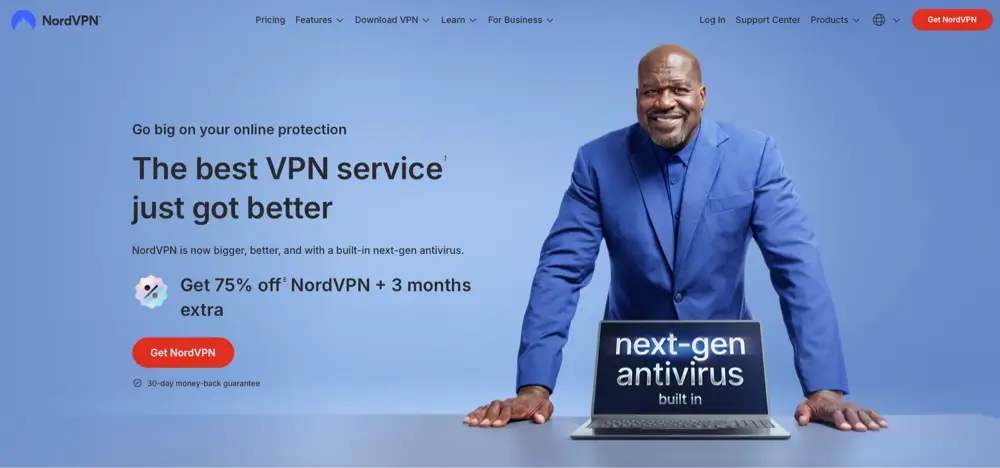
NordVPN is the VPN we recommend leading with for Kodi and Firestick in 2026. It has a native Fire TV app (including support for Amazon’s newer Vega OS devices), consistently fast speeds in independent testing, and a no-logs policy that’s been verified by independent audits multiple times. It also includes Threat Protection, which blocks malicious sites and trackers while you browse or stream.
For Kodi specifically, NordVPN’s combination of speed and a huge server network (7,000+ servers in 118 countries) means you’re less likely to hit buffering caused by an overloaded VPN server, which is one of the most common streaming complaints on affiliate VPN reviews.
Pricing
- Basic plan starts around $3.49/month on the 2-year plan, or $5.49/month on the 1-year plan
- Monthly plan is $14.99/month if you want to try it without a long-term commitment
- 30-day money-back guarantee on every plan
Pros
- Native Fire TV app, including Vega OS support
- Independently audited no-logs policy
- Large, fast server network that holds up well for 4K streaming
Cons
- Higher-tier plans (Complete, Prime) bundle extras you may not need just for streaming
- Monthly pricing is expensive if you don’t commit to a longer plan
We cover the full setup process in our NordVPN Fire TV install and setup guide. You can also see how it stacks up directly against our #2 pick in Surfshark vs. NordVPN: Which VPN Is Better?
Surfshark (Best Value)
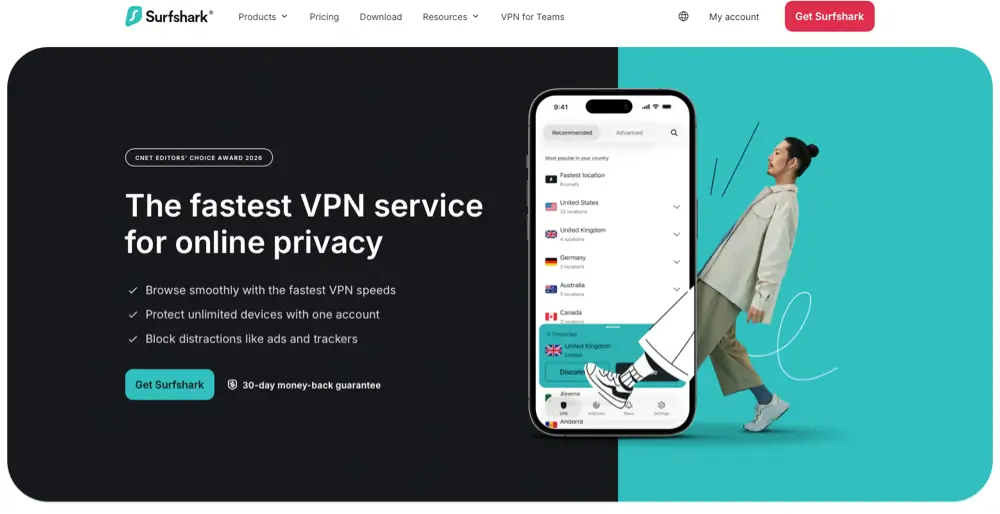
Surfshark’s biggest advantage is that one subscription covers unlimited devices, which makes it the best pick if you want to protect every Firestick, phone, and laptop in the house without paying for multiple plans. It also has a native Fire TV app with Vega OS support, a built-in ad and malware blocker (CleanWeb), and pricing that consistently undercuts NordVPN and ExpressVPN.
Speeds are close behind NordVPN in most independent tests, and the app’s Fire TV interface is built for remote navigation rather than a cursor, which matters more than it sounds like once you’re actually using it on a TV.
Pricing
- Starter plan starts around $2.49/month on the 2-year plan (includes 3 extra months free)
- One and One+ plans add antivirus and identity protection tools for a few dollars more per month
- 30-day money-back guarantee, plus a 7-day free trial on mobile
Pros
- Unlimited simultaneous device connections on every plan
- Native Fire TV app with Vega OS support
- Usually the cheapest of the well-known providers on long-term plans
Cons
- Server network is smaller than NordVPN’s
- Month-to-month pricing is one of the highest in this list if you don’t commit long term
For step-by-step setup, use our Amazon Fire TV VPN setup guide, which covers the general Fire TV VPN install process that applies to Surfshark’s app as well.
IPVanish (Best Long-Time Firestick Pick)
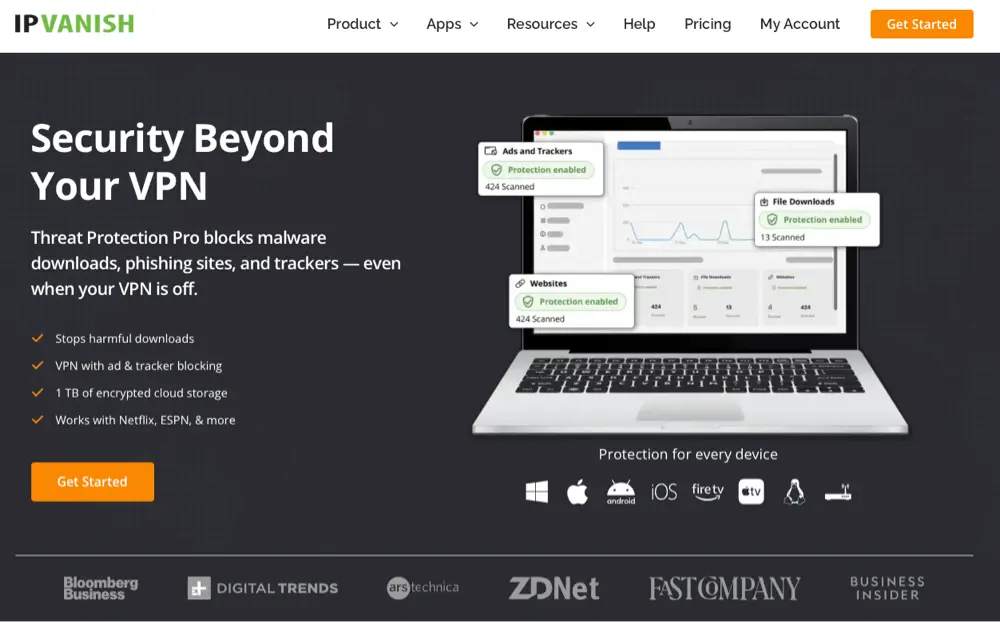
IPVanish was koditips’ long-standing top recommendation, and it’s still a solid option if you’re already using it or want unlimited simultaneous connections at a low renewal-adjacent price. It has a native Fire TV app with Vega OS support and has offered Kodi and Firestick-focused apps longer than most competitors on this list.
The tradeoff is that IPVanish hasn’t kept pace with NordVPN and Surfshark on independent speed tests in the last couple of years, and its no-logs claims haven’t gone through the same level of independent auditing.
Pricing
- Essential plan starts around $2.19/month on the 2-year promotional rate
- Renews at a noticeably higher rate after the first term (around $89.99/year, roughly $7.50/month), so factor that into the real cost
- 30-day money-back guarantee
Pros
- Unlimited simultaneous device connections
- Native Fire TV app with Vega OS support
- Long track record with Kodi and Firestick users specifically
Cons
- Renewal pricing jumps well above the promotional rate
- No-logs claims lack the independent audits NordVPN and Surfshark have completed
- Slower in independent speed tests than the top two picks above
ExpressVPN (Best for Speed)
ExpressVPN consistently tests as one of the fastest Kodi VPNs available, which makes it a strong pick if buffering is your main concern and price is a secondary one. Its Lightway protocol is built specifically for fast, stable connections, which in practice means fewer dropped connections and quicker reconnects if you’re streaming on a home network that isn’t rock solid, or switching between WiFi and mobile data mid-session. It also has a native Fire TV app.
ExpressVPN restructured its plans in 2026 into Basic, Advanced, and Pro tiers, so check which tier you’re actually looking at before comparing its price to a single-tier VPN like NordVPN or Surfshark.
Pricing
- Basic plan starts around $2.79/month on the 2-year plan, covering up to 10 simultaneous connections
- Advanced ($4.49/month) and Pro ($5.99/month and up) tiers add more devices and extra features like ExpressAI and a dedicated IP
- 30-day money-back guarantee
Pros
- Among the fastest VPNs in independent speed testing
- Native Fire TV app
- Simple, well-designed apps across every platform
Cons
- Newer tiered pricing makes it harder to do a straight price comparison against other VPNs
- Costs more than NordVPN or Surfshark at the entry tier
Proton VPN (Best for Privacy)
Proton VPN comes from the same team behind Proton Mail and has built its reputation entirely around privacy, based in Switzerland’s strong privacy laws and open-source, independently audited apps. It’s also one of the only VPNs on this list with a genuine free plan (one device, no data cap), which makes it a reasonable way to try a VPN with Kodi before paying for anything.
It has a native Fire TV app, though its server network is smaller than NordVPN’s or Surfshark’s, and speeds on the free plan are noticeably slower than on any paid tier here.
Pricing
- Free plan available: one device, unlimited data, a smaller selection of server locations
- VPN Plus starts around $2.99/month on the 2-year plan, covering up to 10 devices
- 30-day money-back guarantee on paid plans
Pros
- Genuine free plan with no data cap, unlike most competitors’ trial-only free tiers
- Strong, independently audited privacy record
- Native Fire TV app
Cons
- Smaller server network than NordVPN or Surfshark
- Free plan speeds aren’t fast enough for reliable 4K streaming
Can You Use a Free VPN for Kodi?
Technically yes, but most free Kodi VPNs make poor companions. Free VPN servers are usually overcrowded, which means slow speeds and constant buffering, the exact problem a VPN is supposed to help avoid. Many free VPNs also cap your monthly data at a few GB, which a single movie can burn through on its own.
There’s also a real privacy tradeoff. Some free VPN providers have been caught logging and selling user browsing data, which defeats the entire point of using one for privacy in the first place. If budget is the concern, Proton VPN’s free plan is the one legitimate exception on this list, since it’s run by a company with paid tiers funding it rather than one monetizing your data.
Otherwise, a cheap paid plan from Surfshark or IPVanish will outperform any other free VPN for actual streaming use.
How to Set Up a VPN on Kodi and Firestick
The general process is the same across every Kodi VPN on this list:
- Sign up and download the app for your device (Fire TV, Android TV box, Windows, Mac, or mobile)
- Log in with your account, then connect to a server (most apps have a “quick connect” option that picks the fastest one for you)
- Once connected, open Kodi as normal. Everything running on that device is now routed through the VPN
For a full walkthrough on Amazon devices, see our Amazon Fire TV VPN setup guide or the NordVPN-specific Fire TV setup guide if you’ve picked our top pick. If buffering is your main issue even with a VPN running, our guide to fixing Kodi buffering and our tips on avoiding ISP throttling while streaming cover the other common causes.
Frequently Asked Questions
What is the best VPN for Kodi?
NordVPN is the best overall VPN for Kodi in 2026, thanks to its native Fire TV app, fast speeds, and independently audited no-logs policy. Surfshark is the better pick if you want unlimited device connections on one subscription.
Do I need a VPN to use Kodi?
Not strictly, if you’re only using officially licensed addons and your own media. Most people using Kodi with third-party addons, or who want to stop ISP throttling and access geo-restricted content, get real value from running a VPN.
Is it legal to use a VPN with Kodi?
Yes, using a VPN is legal in nearly every country. A VPN itself doesn’t make any specific Kodi addon or stream legal or illegal to use; it only affects who can see your connection, not what you’re allowed to stream under copyright law.
Can I use a free VPN with Kodi?
You can, but most free VPNs are too slow and too data-capped for reliable streaming, and some log and sell user data. Proton VPN’s free plan is the main exception worth considering if budget is the deciding factor.
Does a VPN slow down Kodi streaming?
A good VPN adds only a small amount of latency on a fast server. If streaming feels slower after connecting, try a different, less crowded server location or switch to a VPN protocol like WireGuard if your app supports choosing one.
Final Verdict: Which VPN Should You Use for Kodi?
NordVPN is our top recommendation for most Kodi and Firestick users in 2026: it’s fast, has a native Fire TV app, and its no-logs policy has actually been independently verified. Surfshark is the better choice if you have a lot of devices to cover on one plan, and IPVanish remains a fine option if you’re already using it.
Whichever Kodi VPN you pick, connect it before you open Kodi, not after, so nothing slips through unprotected.