Kodi is available on everything from PCs, to Chromecasts, Amazon Fire TV Sticks, Nvidia Shield, and Android tablets. So what is the best Android tablet should you buy for Kodi and streaming? This complete guide will give you everything you need to know.
The best Android tablets come in a variety of sizes, mostly from 7 up to 10 inches. You can also expect a range of specs and prices. With all those factors in mind, finding the best Android tablet for Kodi and Streaming can be tricky, but we’ve made it easier.
In this article, we have put together the best Android tablets for Kodi and streaming that you will ever find on the market. This article covers the very best of the best Android tablets, and it includes specs, pros, cons, and a brief rundown of what makes each slate great, so you can find the perfect fit with ease.
Must-read: Best Android Smart TV to Buy
What are the Best Android Tablets for Kodi and Streaming?
| Best Android tablet in battery life | Samsung Galaxy Tab A11+ |
| Best value for money Android tablet | Amazon Fire HD 10 |
| Most portable Android tablet | Lenovo Tab M11 |
| Best Android tablet with wide viewing angles | TCL NXTPAPER 11 Gen 2 |
| Best large-screen Android tablet | Samsung Galaxy Tab S10 FE |
- What are the Best Android Tablets for Kodi and Streaming?
- Samsung Galaxy Tab A11+ Review
- Amazon Fire HD 10 Review
- Lenovo Tab M11 Review
- TCL NXTPAPER 11 Gen 2 Review
- Samsung Galaxy Tab S10 FE Review
- Best Android Tablet Features
- Best Android Tablet Apps
- Frequently Asked Questions about the Best Android Tablets
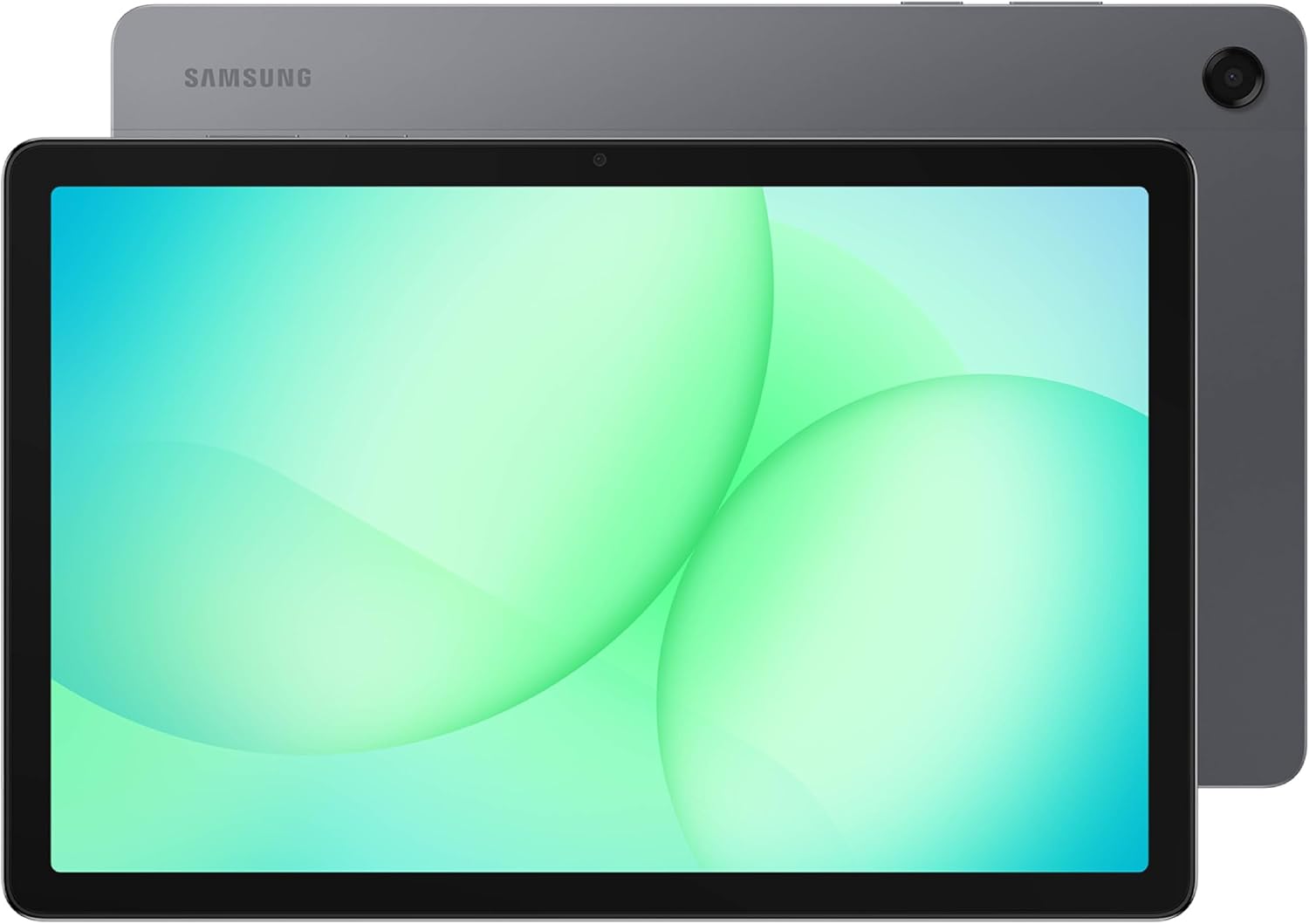
Samsung Galaxy Tab A11+ Review
[amazon box=”B0FVXMHHRP”]
The most important things to have in a full-size Android tablet for Kodi and streaming are a great screen, loud speakers, solid build quality, and full access to the Google Play Store, since that’s what lets you actually install Kodi without sideloading anything. The Galaxy Tab A11+ covers all of those bases without pushing into flagship pricing, which is what makes it the best all-around pick here.
The Tab A11+ runs a Snapdragon 695 chipset with 6GB of RAM, an 11-inch 1920×1200 display, and a 7,040mAh battery that easily gets you through a full day of streaming. It also has a microSD slot for expanding storage, which matters once you start caching Kodi add-ons and offline downloads, plus Dolby Atmos quad speakers for actual watchable sound without a soundbar.
Pros
- Full Google Play Store access, so Kodi installs the normal way
- Long battery life for a budget tablet
- microSD expansion
- Dolby Atmos quad speakers
Cons
- 6GB RAM is fine for streaming but not for heavy multitasking
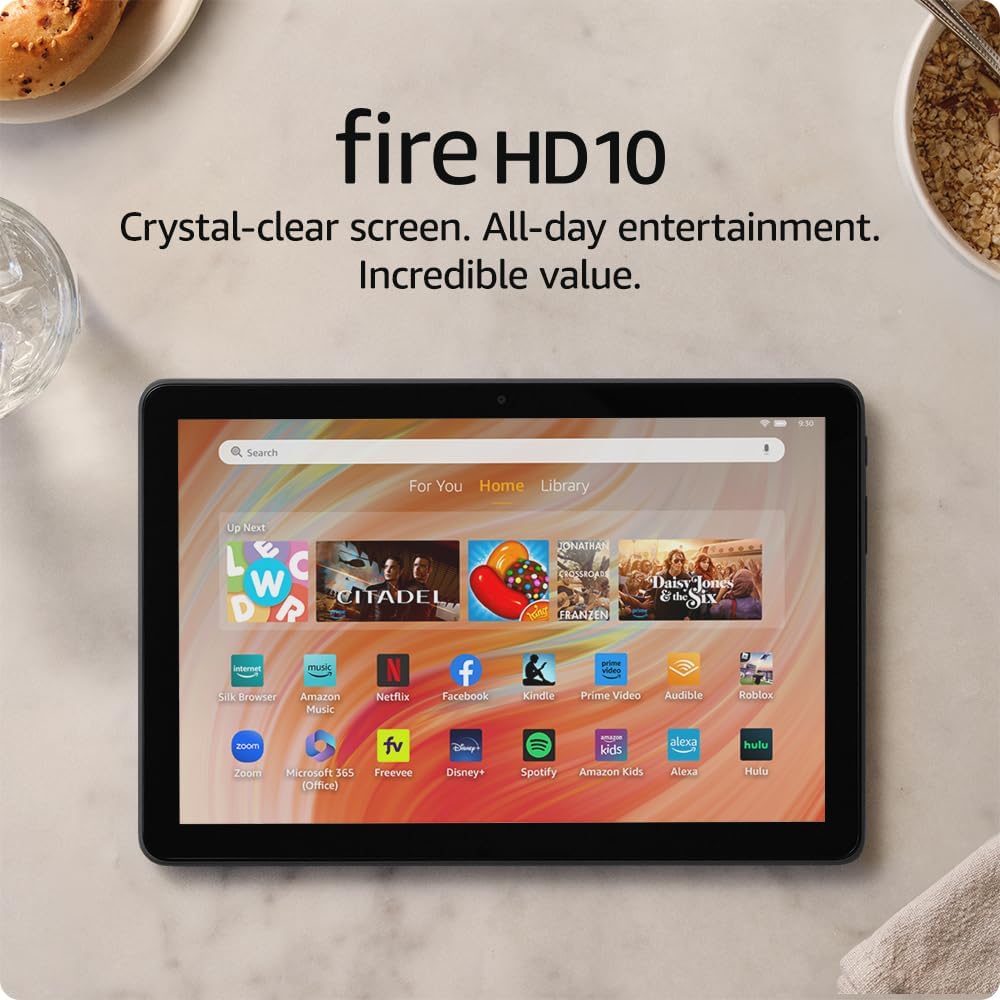
Amazon Fire HD 10 Review
[amazon box=”B0GVTPKJVT”]
The Fire HD 10 is still Amazon’s best inexpensive tablet for Kodi and streaming. It got a quiet RAM bump in 2026, up to 4GB, which makes it noticeably less sluggish than the older 3GB version. The bigger 10.1-inch screen (up from the old Fire HD 8’s 8 inches) makes it a better fit for actually watching something.
Like other Fire tablets, it doesn’t ship with the Google Play Store. Sideloading the Kodi APK onto a Fire HD 10 takes a few minutes (here’s how to install Kodi on an Android tablet), and once it’s installed the app runs the same as it would on any stock Android tablet. This is still the pick to hand to a kid or keep in the kitchen for background streaming.
Pros
- Very low price for a 10-inch screen
- Long battery life (up to 13 hours)
- microSD expansion
- Good for kids or as a secondary device
Cons
- No Google Play Store out of the box (sideloading required)
- 4GB RAM only on the newer variant; older stock still ships with 3GB
Lenovo Tab M11 Review
[amazon box=”B0CQMPSWMJ”]
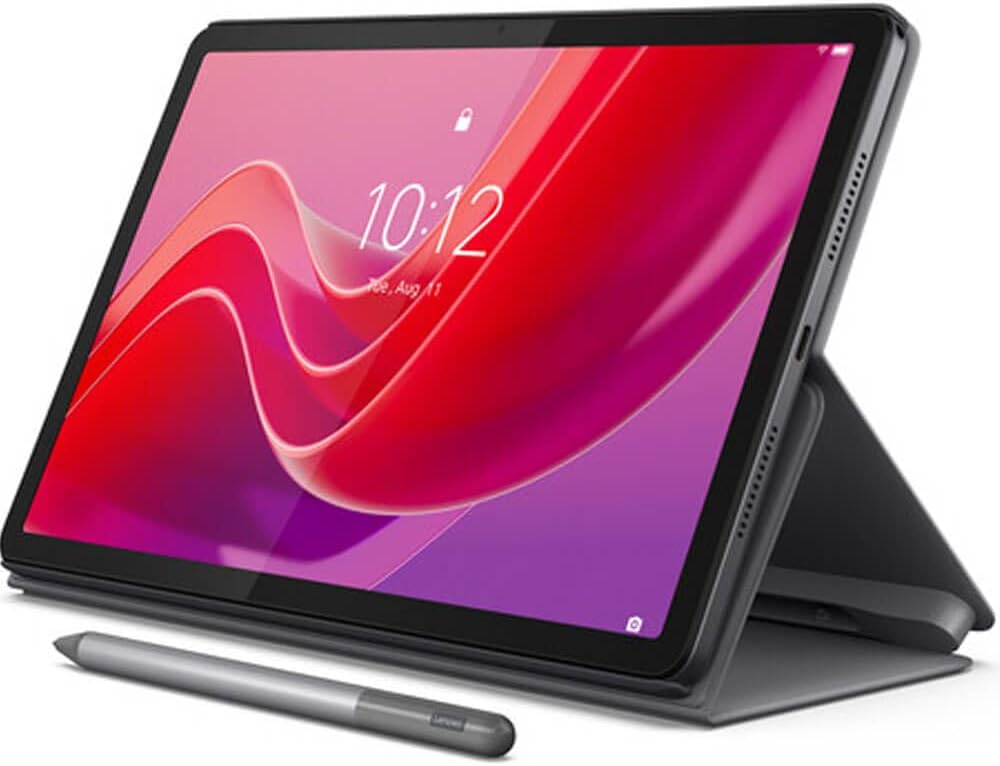
The Lenovo Tab M11 replaces the older Tab M10 as the most portable pick on this list. It’s light, thin, and still cheap enough to not feel precious about tossing in a bag.
It runs a MediaTek Helio G88 chipset with 4GB of RAM and 64GB of storage, on an 11-inch 1920×1200 display with a 90Hz refresh rate, which is a real step up from the M10’s 60Hz panel. The 7,040mAh battery is rated for around 10 hours of video, and it comes with four Dolby Atmos speakers built in.
Pros
- Light and thin, easy to carry around
- 90Hz display feels noticeably smoother than most tablets at this price
- Four-speaker Dolby Atmos setup
- Full Google Play Store access
Cons
- Only 64GB of built-in storage on the base model
- No fingerprint sensor
TCL NXTPAPER 11 Gen 2 Review
[amazon box=”B0FG7QV6SF”]
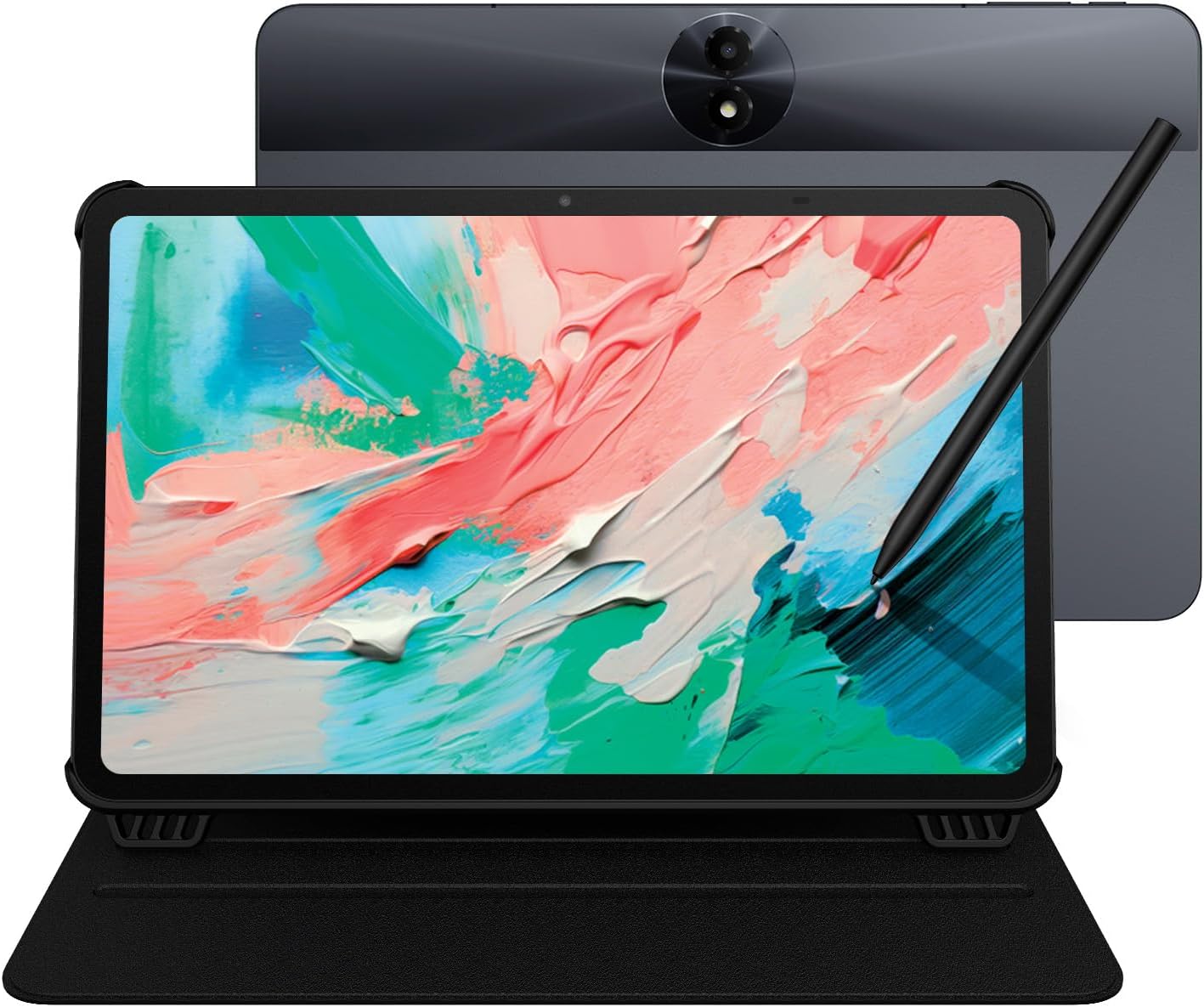
TCL’s NXTPAPER display technology is built around cutting glare and eye strain, and it happens to also deliver some of the widest, most consistent viewing angles of any tablet in this price range, which is exactly what you want if more than one person is going to be watching from the couch.
The Gen 2 model runs 8GB of RAM and 128GB of storage, with an 11-inch FHD+ display and an 8,000mAh battery, one of the largest in this roundup. It ships with a stylus and case included, and it filters a claimed 61% more blue light than a standard LCD panel, which is a nice bonus if you’re using it late at night.
Pros
- Wide, glare-resistant viewing angles
- Large 8,000mAh battery
- Stylus and case included in the box
- Full Google Play Store access
Cons
- Not a household name, so support and resale value are less certain than Samsung or Lenovo
- 60Hz display, no high refresh rate
Samsung Galaxy Tab S10 FE Review
[amazon box=”B0DVZWKCDV”]
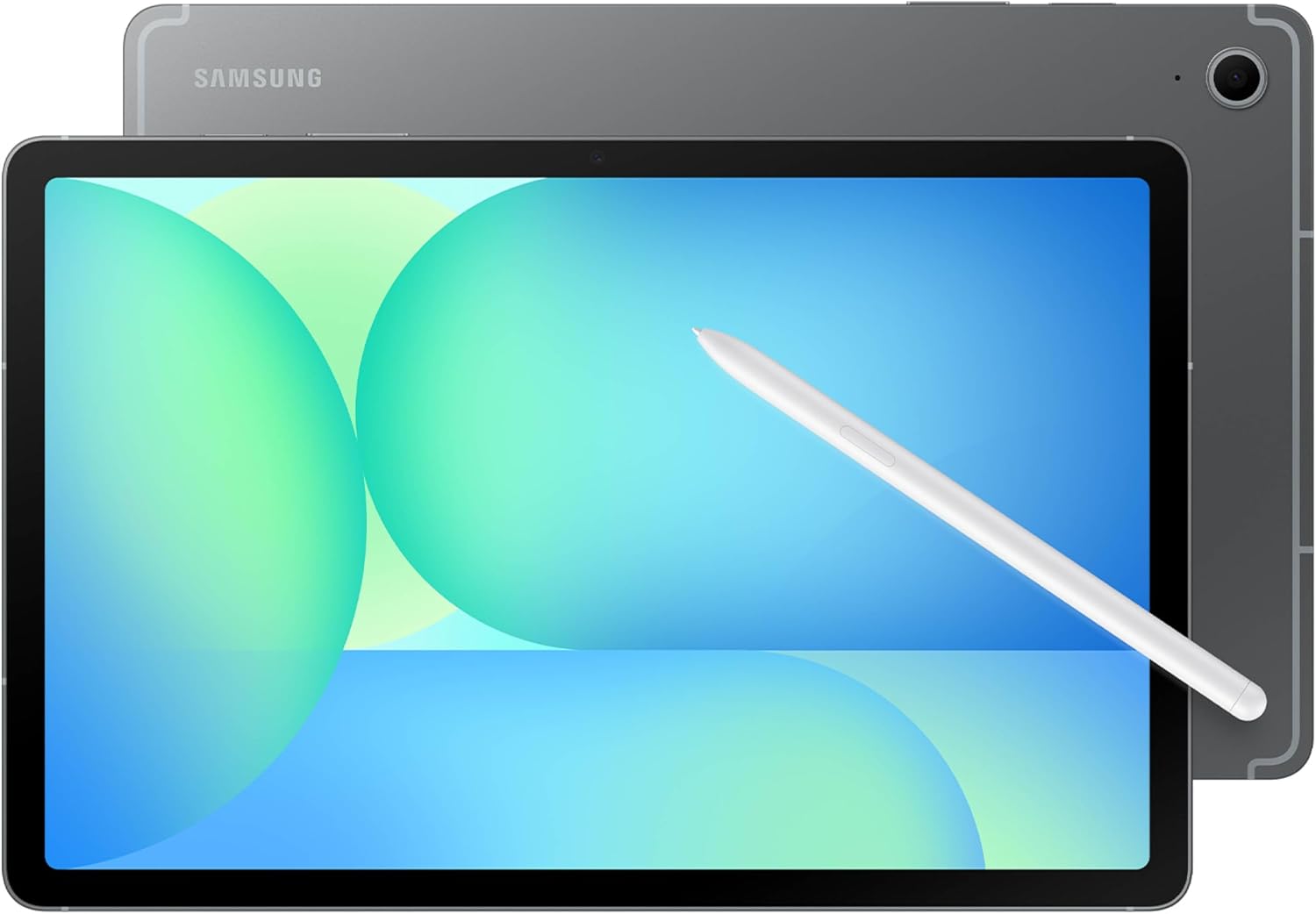
The Samsung Galaxy Tab S10 FE is the best large-screen tablet you can get for streaming Kodi right now. It runs Android over Samsung’s One UI, with a sleek metal design and IP68 water and dust resistance that its predecessor, the Tab S6 Lite, didn’t have.
It’s built around a 10.9-inch display with a 90Hz refresh rate, an Exynos 1580 processor, and 8GB of RAM, expandable well beyond its base 128GB with a microSD card. The faster refresh rate won’t do anything for video playback itself, most streams are still 24 to 60fps, but it makes scrolling through Kodi’s menus and add-ons noticeably smoother than on a standard 60Hz tablet.
Battery life is rated up to 20 hours, and an S Pen is included in the box at no extra cost.
Pros
- Large, sharp 90Hz display
- IP68 water and dust resistance
- S Pen included
- Long battery life
Cons
- Noticeably more expensive than the rest of this list
- Fast charger not included
If you are looking for a powerful large-screen tablet to stream Kodi, then look no further and hit the purchase button above.
You might also like: How to Install Kodi on Android (Phone, Tablet, or TV Box)
Best Android Tablet Features
Screen Size
Android Tablet screen sizes range from 6 inches on the low end, all the way up to 18.4 inches on Samsung’s Galaxy View tablet. You’ll find that most tablets fall into the 7- to 10-inch range: If you’re looking for something small and light that you can take with you anywhere, a small tablet such as the 7-inch Amazon Fire tablet is the way to go.
For the right price, a 10-inch tablet makes streaming Kodi look better.
Hard Drive Space
Stand-alone tablets typically come with 8 or 16GB of storage on the low end and up to 128GB on the high end. Convertible Windows tablets often have storage capacities more in line with typical notebooks, so it isn’t unusual to find one with 256GB of storage or more. Some tablets include SD card readers that allow you to expand your device’s storage capacity.
Unless you don’t use your tablet much, you may find 8 or 16 GB to be a little too constraining for your needs, so you’ll probably want to pay a little more and get at least 32GB of storage space — or look for one with an onboard SD card slot.
Battery Life
A good tablet should last you all day on a full battery charge. Most tablet batteries last about eight to nine hours. It may be a good idea to dismiss any models that can’t go seven hours without a charge.
Ports
What you need will depend on how you intend to use it, but generally, the more ports and ways to connect it has the better. Make sure it supports the latest Bluetooth standard. Expandable storage via SD (or microSD) could be nice, USB or MicroUSB is essential, and Micro HDMI is nice as well. You may want NFC support, and wireless charging could be worth considering for convenience.
Best Android Tablet Apps
The following are Android tablet apps that all tablet owners should have on their smartphones:
- Feedly
- Zinio
- PressReader
- Libby by Overdrive
- Moon+ Reader
- Amazon Kindle
- Google Play Books
- Netflix
- Kodi
- Microsoft Office
- Adobe Lightroom
- Swift Explorer
Frequently Asked Questions about the Best Android Tablets
Which Android tablet is best for watching movies?
The Samsung Galaxy Tab S10 FE is the best large-screen Android tablet for movies right now. It has a 10.9-inch display with a 90Hz refresh rate, IP68 water and dust resistance, and up to 20 hours of battery life, which is enough to get through more than one movie night without reaching for a charger.
Can you stream movies on a tablet?
Yes, you can stream movies on a tablet. However, not all tablets are good enough for movie streaming as it requires a fairly decent screen size, around 10-inch, for an immersive streaming experience. Popular streaming apps like Netflix, Amazon Prime Video, Hulu, and Apple TV have specific system requirements which only a few Android tablets can fulfill.
Can you download Netflix onto a tablet?
Android tablets running Android 5.0 or later support the Netflix app. However, if your tablet is rooted, you may not be able to install the Netflix app, or even if you do, it might malfunction.
How do I stream Kodi on an Android tablet?
Kodi app is available on the Google Play Store. To start streaming on Kodi, simply head to the Google Play Store and search “Kodi.” Select the official Kodi app and click on Install. Once the app is downloaded, open it from the prompt that appears next, or from the app drawer on the Android tablet.
Which of these best Android tablets is your favorite for Kodi and streaming?
Share your thoughts with us using the comment box below.
PROTECT YOURSELF ON THE INTERNET
Sign up for a premium Kodi VPN and access the internet unrestricted. We offer exclusive discounts for IPVanish and NordVPN, the highest respected VPNs in the Kodi community. Both of these VPNs have some great features for users:
Apps for Android, iOS, Mac, Linux & more
Zero Logs
Unlimited bandwidth
Tier 1 hardware (no speed slowdown)
Access to servers hundreds of VPN servers